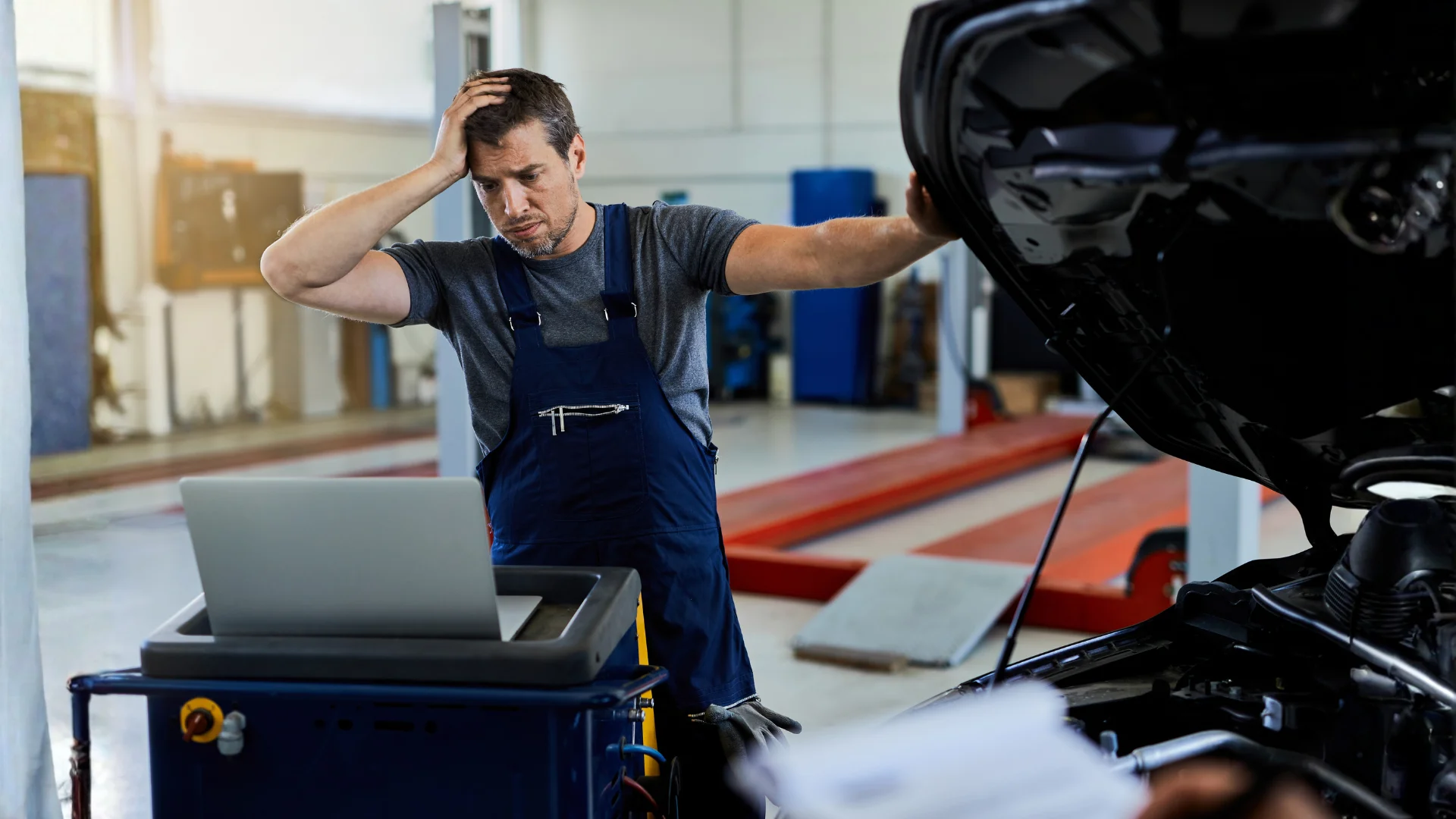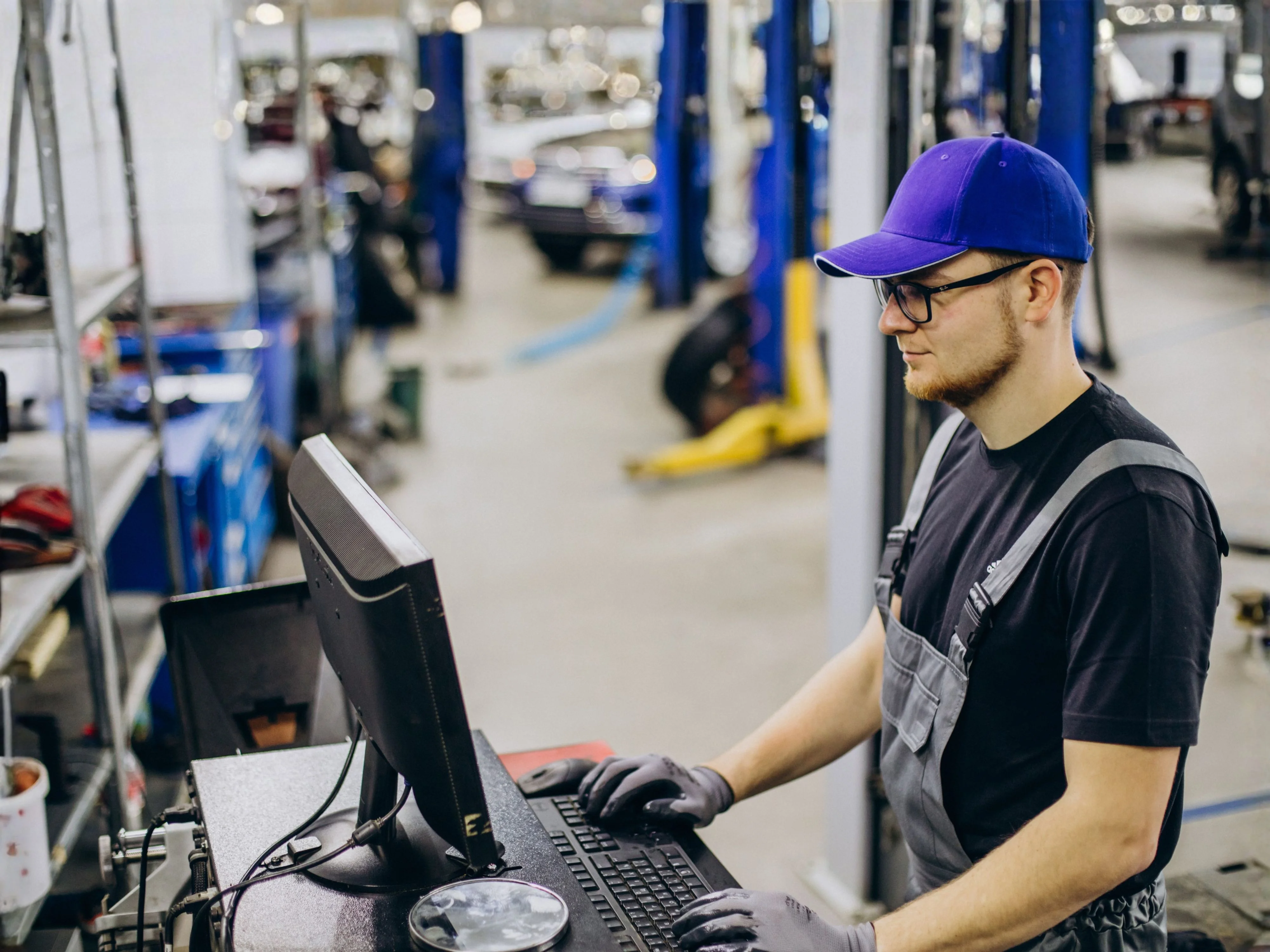
If you're running an independent auto repair shop, you already know that time is money, and nowhere does that money bleed faster than in the parts ordering process. You finish a diagnosis, pull up a work order, and then the real grind begins. You call your first supplier, put it on hold, check availability, call a second one to compare prices, log into three different websites, copy part numbers into a spreadsheet, and hope the price you quoted the customer still holds by the time you order. Before you know it, 45 minutes are gone and the car hasn't moved an inch.
This is the reality for thousands of independent shops across the United States every single day. And it's a bigger problem than most shop owners realize until they actually add up the hours.
One-click parts ordering changes that math completely. This article walks you through what it actually means, why it matters for your bottom line, and how the shops that have adopted it are getting more cars out the door with less stress.
The Hidden Cost of Traditional Parts Ordering
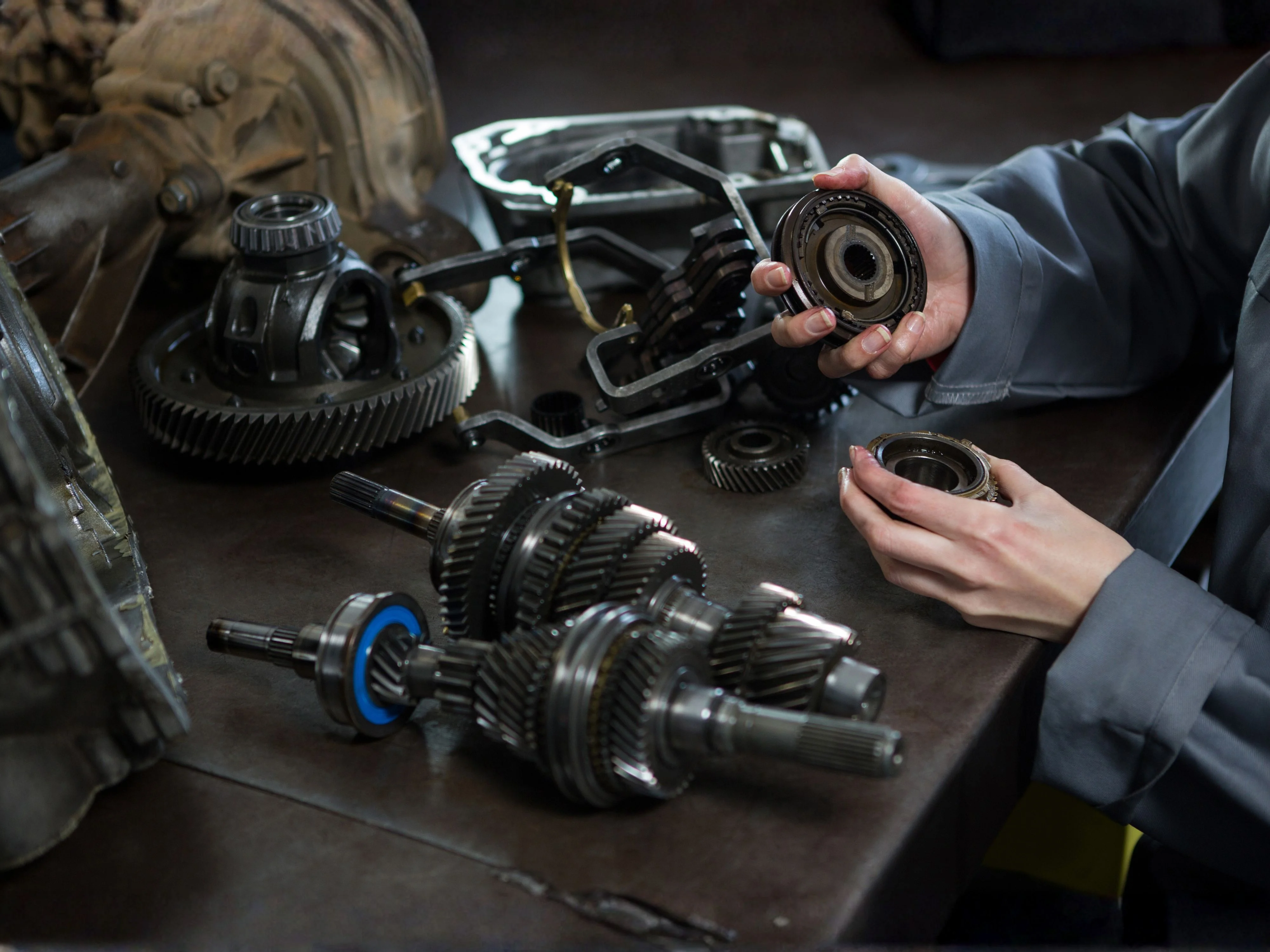
Let's be real about what "calling around for parts" actually costs you. Most shop owners never sit down to add it up, but when you do, the number is hard to ignore.
That's $15,000 to $25,000 a year in skilled labor doing nothing but phone calls, tab-switching, manual data entry, and order confirmations, work that can be almost entirely automated. And that's before you factor in the cost of errors. A miskeyed part number, a wrong fitment, a price that changed between the quote and the order, each of those costs you time, customer goodwill, and sometimes cash out of pocket.
The data backs this up. According to an IMR survey of 500 independent repair shops, finding affordable parts was the number one concern among shop owners, cited by 45% of respondents. Getting parts on time came in fourth, named by 22.4% of shops. For a shop operating on typical margins of 8–10%, these aren't minor inconveniences, inefficiencies in the parts process can genuinely be the difference between a profitable month and a break-even one.
What One-Click Parts Ordering Actually Means
The term gets used a lot, so it's worth being specific. One-click parts ordering refers to a feature inside shop management software where a technician or service writer can search for a part once and instantly see pricing, availability, and delivery timelines across multiple vendors, all from a single screen. When they find the right part at the right price, they place the order with one click. The part details, pricing, and vendor information automatically populate the work order. No switching tabs, no manual entry, no phone calls.
The key difference from traditional parts search tools is the integration. The order lives inside your work order, not in a separate system. When the part comes in, you receive it inside the same platform. The cost flows directly into your job costing. Everything stays connected.
Here's what that workflow looks like in practice:
Tech diagnoses the vehicle and identifies needed parts
Service writer opens the work order in the software
Part search is run from within the work order screen
All connected vendor inventories appear side by side with pricing
Best option is selected and ordered in a single action
Part details, cost, and vendor info auto-populate the work order
Customer estimate updates automatically
Part is received into the work order when it arrives
Compare that to the old process and the efficiency gain is obvious. But the deeper benefit isn't just time saved, it's what your team does with that time instead.
How It Changes the Flow of Your Shop
When your service writers aren't stuck on the phone with parts suppliers, that time doesn't just disappear, it gets redirected toward work that actually drives revenue. Here's what that shift looks like in practice:
One real-world example from a New England shop that implemented integrated parts ordering showed a savings of more than 25 hours per week and a 5% increase in parts gross profit after switching to software with built-in parts ordering. That shop's service manager described writing up a $4,000 ticket in minutes that previously would have taken over an hour. That's not an outlier, the efficiency gains are structural. When you remove friction from the parts process, every other part of the workflow speeds up too.
There's also the margin protection angle, which is easy to overlook. When you're ordering parts quickly under pressure, you tend to default to your usual supplier without checking whether another vendor has the same part for 12% less. One-click ordering lets you compare in real time without it costing any extra time. Over hundreds of jobs a year, those margin improvements add up to real money.
The Multi-Venor Problem (And Why It Matters)
Most shops work with at least three to five parts suppliers. That's not unusual, different vendors carry different lines, have different delivery schedules, and are better or worse on price depending on the part category. The problem is that managing those relationships traditionally means logging into five different portals, maintaining five sets of credentials, and navigating five different interfaces.
When you're building an estimate under time pressure with a customer waiting at the front desk, the temptation is to just go with the supplier you know best, even if a better option exists. This is how shops quietly lose margin on parts every single day without ever noticing it.
A proper one-click ordering system solves this by pulling all your supplier inventories into a single lookup. You search once and see all of them. According to shops that use aggregated parts ordering tools, this approach can reduce vendor phone time by as much as 80% and eliminate the need to maintain separate logins across multiple systems.
The practical result: your team makes better sourcing decisions faster, your preferred vendors stay preferred because you're actually comparing (not just defaulting), and you have written documentation of every parts decision built into your work order history.
What to Look For in a Parts Ordering System
Not all shop management software handles parts ordering the same way. Some bolt on a basic catalog search as an afterthought. Others build it deep into the workflow so it actually changes how your shop operates. Before you commit to any platform, here are the five things worth evaluating seriously.
1. Vendor Breadth
How many suppliers does the system connect to? A platform that only works with one or two vendors isn't solving your multi-vendor problem, it's just digitizing your existing default. If you currently buy from five suppliers depending on part type, availability, and price, you need a system that shows you all five on the same screen. Anything less and you're still leaving margin on the table.
2. Work Order Integration
The parts order needs to live inside the work order, not alongside it. If you have to copy and paste part details from a separate ordering tool into your management system, you're still doing manual data entry, just in a different place. True integration means part details, pricing, and vendor information flow directly into the work order the moment you place the order. Zero duplication, zero transcription errors.
3. Receiving and Inventory Tracking
When a part arrives at your shop, you should be able to receive it inside the same system that holds the work order. This matters because it keeps your cost of goods (COGS) accurate in real time and keeps your inventory count current without any extra steps. Shops that receive parts in a separate tool, or worse, on paper, end up with inventory numbers that nobody trusts, which leads to ordering parts you already have sitting on a shelf.
4. Real-Time Pricing and Availability
Static catalog pricing is a problem. Vendor prices change, stock levels shift, and if your estimate is built on outdated numbers, you either eat the difference or have an awkward conversation with your customer. You need to see live vendor pricing and real-time stock status at the moment you're building the estimate, so the number you quote is the number you actually pay.
5. Returns Management
Parts get returned. Wrong fitment, duplicate orders, customer-declined repairs, it happens on every shop floor every week. A good system lets you process a return from inside the work order without switching to a different tool, calling the vendor separately, or creating a paper trail that gets lost in a drawer. If returns aren't handled inside the same workflow, they become an admin headache that falls on whoever has the least time to deal with it.
Parts Ordering and Your Profit Margins: The Math
Auto repair shops typically carry a parts margin of 15–25% on average. But that margin is only protected when you're ordering the right part at the right price and charging the customer correctly. Manual ordering processes quietly eat into that margin in three specific ways, and most shop owners don't notice until they look at the numbers at the end of the month.
How Auto1Source Handles Parts Ordering
Auto1Source, the free auto repair shop management platform, includes built-in one-click parts ordering as part of its complete shop management system. When a tech is building a work order or estimate, vendor inventory is displayed directly on the order screen, so parts can be searched, priced, and ordered without leaving the work order. Ordering, receiving, and returns are all handled from inside the same platform.
The platform also includes a parts matrix so you can apply consistent markup rules across all vendor pricing automatically. Combined with COGS tracking and year-over-year reporting, it gives shop owners full visibility into what their parts are actually costing them and what they're earning, not as a separate accounting exercise, but built into the daily workflow.
What makes the Auto1Source approach different from most platforms is the vendor side of the equation. Parts vendors are connected to the platform and their inventory shows up at the exact moment a tech is building an order. That means your vendor relationships are built into the tool, not bolted on separately. For shop owners, this is a real practical benefit: you're not managing separate integrations or negotiating catalog access, it's already there.
And because Auto1Source is free to shop owners, you're not paying a $200–$400/month subscription fee to access these features. That alone represents meaningful savings for a small independent shop.
The Bigger Picture: Why This Is Worth Getting Right
The U.S. auto repair industry isn't slowing down, and independent shops are right at the center of it. Here's a quick look at the market context that makes getting your parts process right so important:
An aging vehicle fleet means more repairs, more parts, and more orders flowing through independent shops every year. But independent shops are also the most pressed for time and the least likely to have dedicated operations staff managing parts procurement. That gap between volume and capacity is exactly where a streamlined parts ordering process pays for itself.
One-click parts ordering is one of those improvements that sounds like a nice feature until you actually use it, and then you wonder how you ran a shop without it. It's not just about convenience. It's about protecting margins, reclaiming hours of skilled labor time, reducing errors, and making your shop a place where techs and service writers can focus on the actual work instead of the paperwork around it.
The shops that are winning in this environment aren't necessarily the biggest or the best-funded. They're the ones that have tightened up their processes so that every hour of labor produces maximum output and every part ordered is the right part at the right price with the right margin built in. Parts ordering is one of the most controllable variables in your shop. Getting it right is worth the effort.
Frequently Asked Questions
What is one click parts ordering in auto shop software?
One click parts ordering in auto shop software is a system that lets you search, compare, and order parts directly inside a work order in a single step.
Instead of switching between vendor websites or tools, everything is handled inside the repair order. With one click parts ordering auto shop systems, parts, pricing, and vendor details are automatically saved to the job. This reduces manual work and speeds up the entire ordering process.
How much time does one click parts ordering save in an auto shop?
One click parts ordering in auto shop software can save several hours per day depending on job volume.
Service writers often spend 20–30 minutes per job sourcing parts across different channels. With 10 jobs a day, this adds up quickly. One click parts ordering auto shop systems streamline the process into a single workflow, with many shops reporting 20–25+ hours saved per week.
Does one click parts ordering affect supplier relationships?
No, one click parts ordering auto shop systems do not affect supplier relationships.
Your existing vendors stay the same. The system simply brings them into one place for faster comparison and ordering. It also improves order accuracy and communication with suppliers.
What is the difference between parts catalog software and one click parts ordering?
Parts catalog software helps you find parts, while one click parts ordering auto shop systems let you order them directly.
Catalog tools require manual data entry into your shop system, which can slow things down and create errors. One click ordering removes that step by connecting search and ordering inside the work order.
Can small auto repair shops use one click parts ordering effectively?
Yes, small shops benefit a lot from one click parts ordering auto shop systems.
Even small shops spend significant time on parts sourcing and admin work. With limited staff, this slows down operations. One click ordering reduces repetitive tasks and helps small teams handle more jobs efficiently.
How does one click parts ordering improve profit margins?
One click parts ordering auto shop systems help improve margins through better pricing control.
Prices are locked at the time of order, markups are applied consistently, and duplicate purchases are avoided with real-time inventory visibility. This helps reduce cost leakage and improves profitability.
Can parts be returned through one click parts ordering systems?
Yes, returns are supported in one click parts ordering auto shop systems.
Returns can be started directly from the work order. The system notifies the vendor and updates inventory automatically. This removes the need for separate manual return processes.
Does one click parts ordering support multiple suppliers?
Yes, one click parts ordering auto shop systems support multiple suppliers at once.
All connected vendor inventories appear in a single view for easy comparison. Pricing and availability are shown side by side. The number of suppliers depends on the software provider.
Is one click parts ordering difficult to learn for staff?
No, one click parts ordering auto shop systems are easy to learn.
The process works like online shopping: search, compare, and order. Most staff learn it quickly because it removes phone calls and manual entry. New users usually adapt within a few days.
Does one click parts ordering integrate with QuickBooks?
Yes, one click parts ordering auto shop systems integrate with QuickBooks.
Parts costs sync directly with work orders and flow into accounting automatically. This keeps COGS accurate and removes manual entry, as long as the integration is properly set up.
Ready to Run a Smarter Shop?
Auto1Source is completely free for shop owners. No subscriptions, no credit card. Just powerful shop management software built by someone who's been in your position.
Get Started Free